

Examples of list commands

Default List (everything but loop devices and docker overlays)
|

List all except loop devices
|

List only real disks
|

List only NTFS partitions
|

List by searching the string 'adb'.
|

List all available data sources incl. loop
|

Default list using the 'bgcolor' display format
|

Default list using the 'color' display format
|
Mounting by command line

Mounting by system label
|

Mounting a data source read-only
|

Mounting of a block device
|

Mounting of a partition
|

Mounting of an overlay file system
|

Mounting an Android device via adb
|

Mounting of a NFS shared directory
|

Mounting of remote directory via SSH
|

Mounting of remote Windows share
|

Mounting a FTP directory using login and password, no existing .netrc_ftp.slashetc.fr
|

Example of remounting a FTP directory using existing .netrc_ftp.slashetc.fr file
|

Mounting Google Drive
|

Mounting of an existing raw disk image
|

Mounting of an existing virtual machine disk
|

Mounting of a VERA volume which is a file
|

Mounting of an existing VERA volume hosted on a device
|

Mounting of an existing LUKS volume which is a file
|

Mounting of an existing LUKS volume hosted as a partition of a device
|

Mounting a nested data source
|

Mounting of LVM volumes
|
Usage for destination mount folders

Mounting on an existing folder
|

Mounting on a non-existing folder
|

Mounting on a folder which the data source is already mounted on
|
Unmounting by command line

Unmounting using the mountpoint folder
|

Unmounting using the device label
|

Unmounting using the NFS URL
|

Unmounting using the SSH URL
|

Unmounting using the UNC address
|

Unmounting using the FTP URL
|

Unmounting using the Google Drive URL
|

Unmounting using VERA volume file
|

Unmounting using LUKS volume file
|

Unmounting using a virtual machine disk file
|

Lazy unmounting
|
Mounting via dashboard
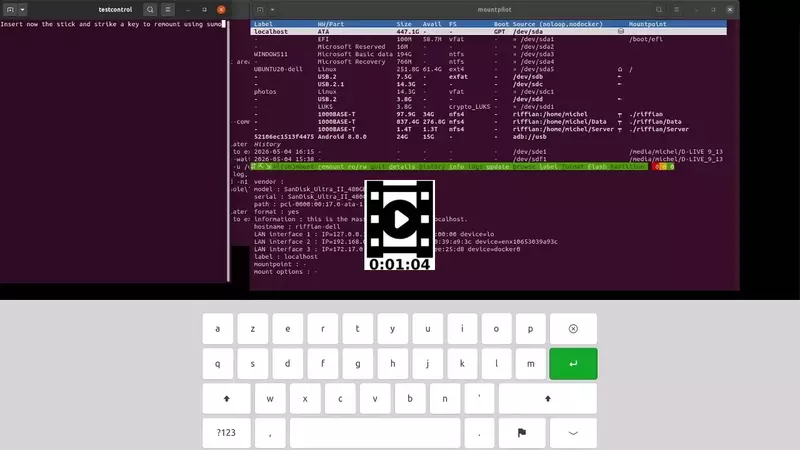
Mounting of a block device
|
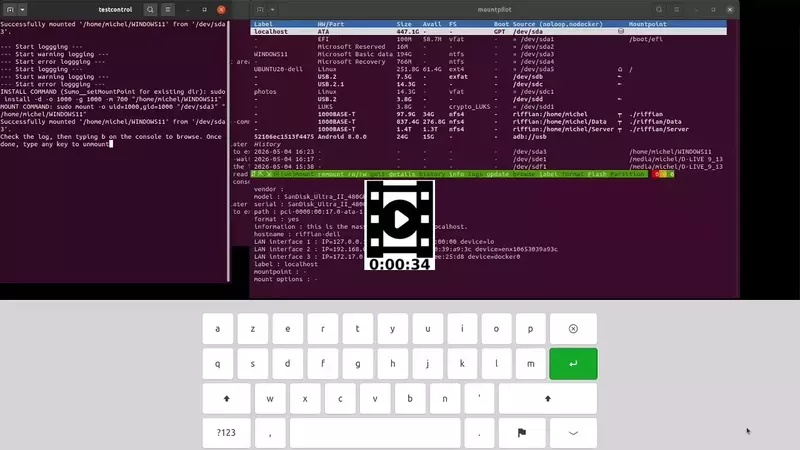
Mounting of a partition
|
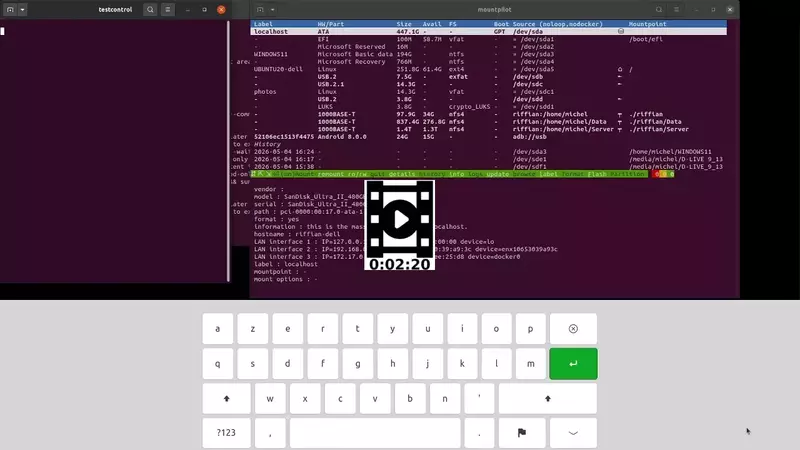
Remounting an SSH read-only
|
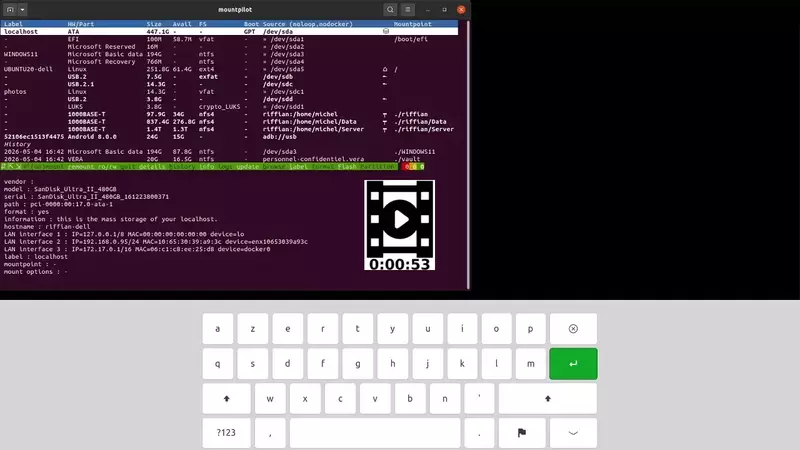
Remounting from history involving a parent data source to be remounted
|
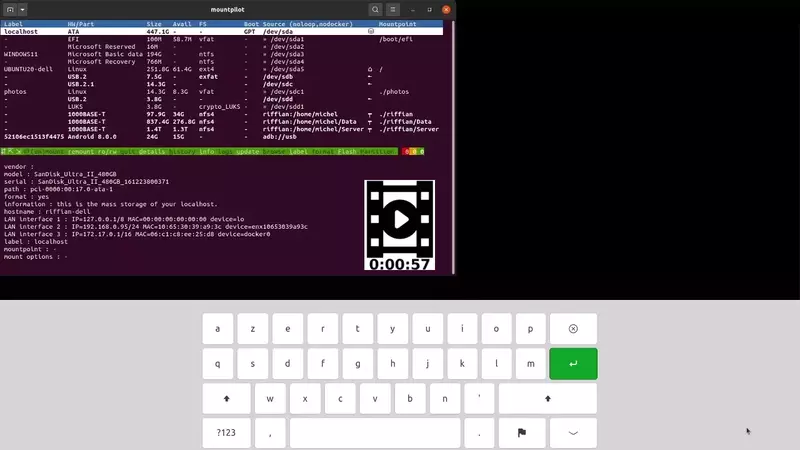
Mount forwarding with the dashboard
|
Unmounting via dashboard
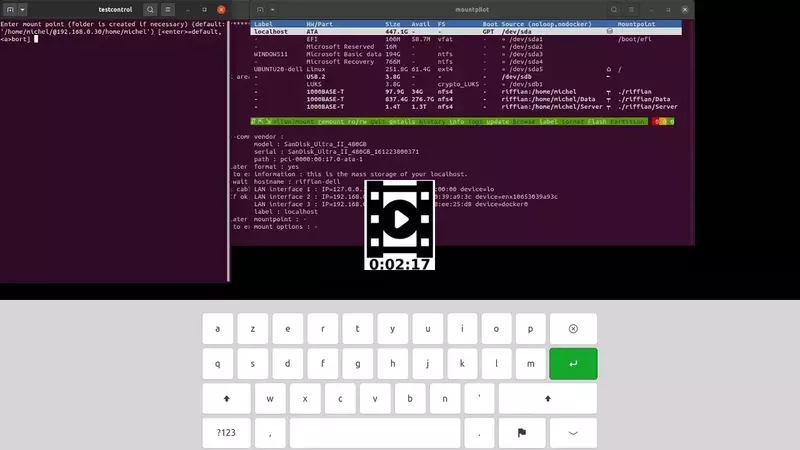
Lazy unmounting on broken mount
|
Mount history

Listing available mount histories
|
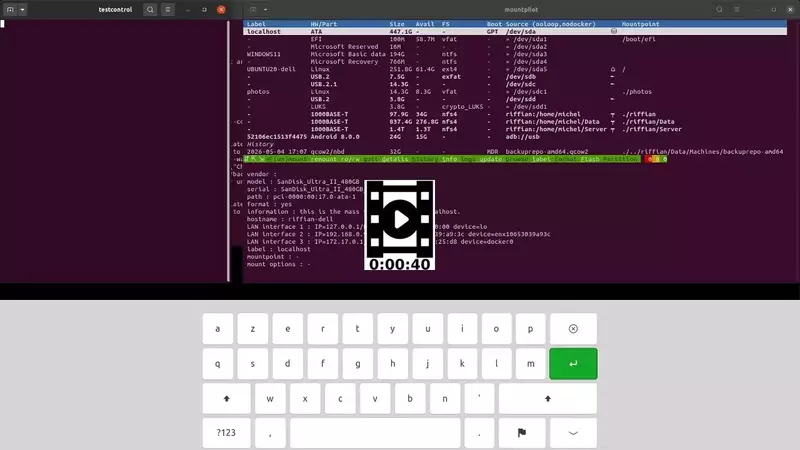
LVM unmounted from xterm, live update in the history
|
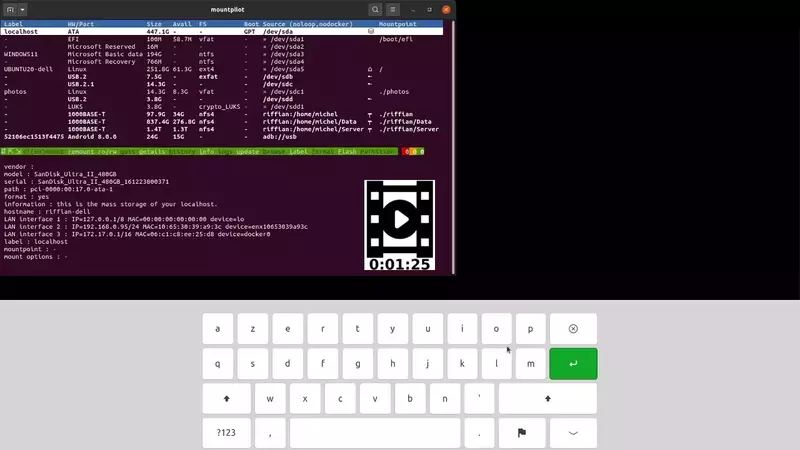
Switching to another mount history
|
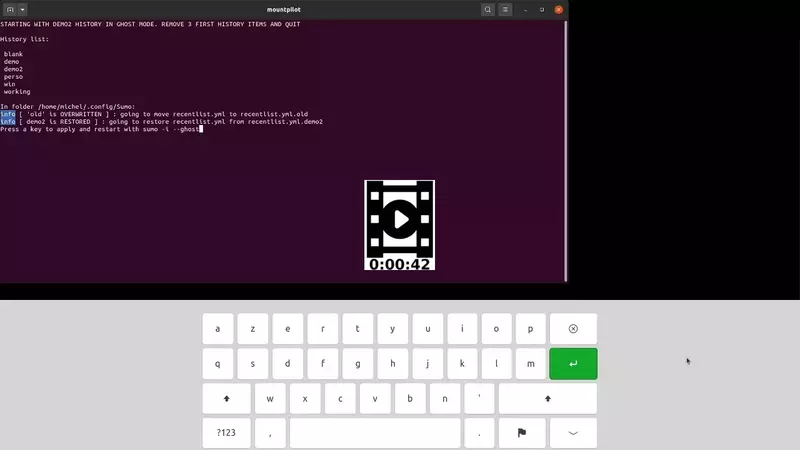
Ghost mode
|
Disk functions via command line

Creating on disk a file system (ext4) located on a single partition
|

Creating an exfat disk without partition
|

Creating a single partition of type Microsoft Basic data partition
|

Flashing a Linux installation image
|

Creating a raw disk image file with a 1Mo ext2, no prompting
|

Creating a raw disk image file with default ext4 and entered size 900K
|

Creating a VERA volume file with a 2Mo exfat, no prompting
|

Creating a VERA volume file with a exfat and entered size 3M and password
|

Creating a LUKS volume file with a 30Mo exfat, no prompting
|

Creating a LUKS volume file with a exfat and entered size 30M and password
|

Creating a QCOW2 disk file with a 3Mo exfat, no prompting
|

Creating a QCOW2 volume file with a default ext4 and entered size
|

Creating a vdi disk file with a 3Mo exfat, no prompting for size
|

Creating a VDI volume file with a default ext4 and entered size
|
Disk functions via dashboard
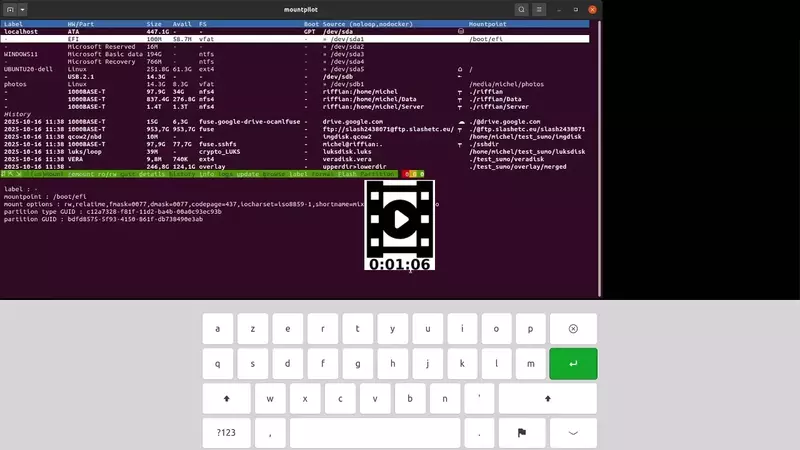
Labelling a filesystem with the dashboard
|

Creating a disk partition with the dashboard
|
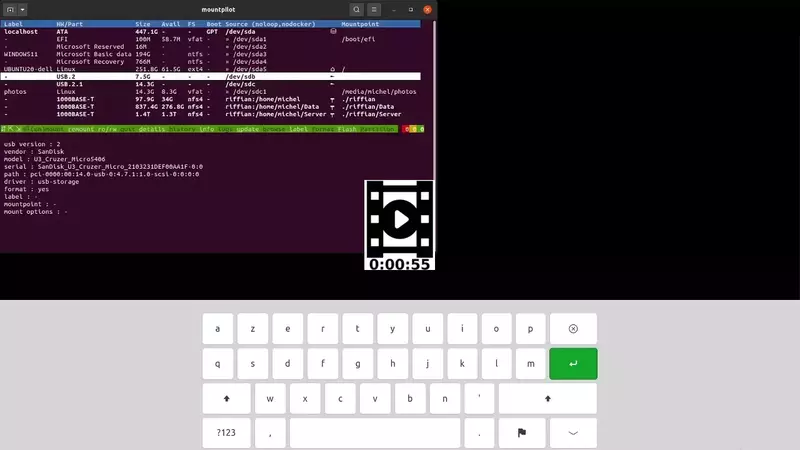
Formatting a exfat disk with the dashboard
|
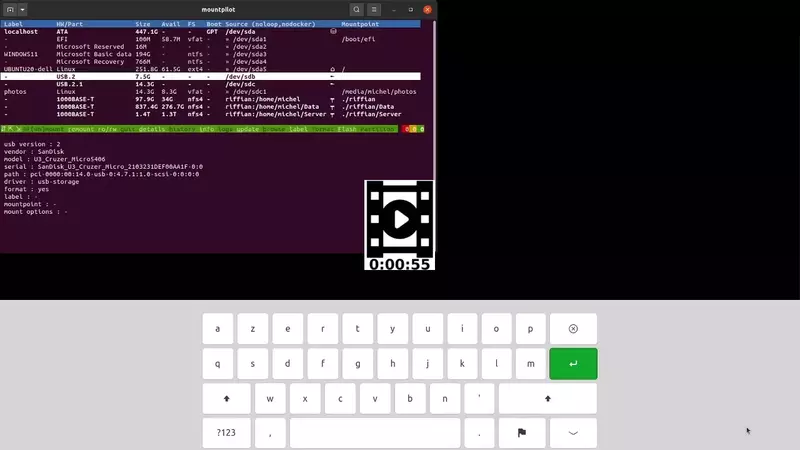
Example of flashing a mini Debian image with the console
|

Creating a VERA-encrypted device with the dashboard
|
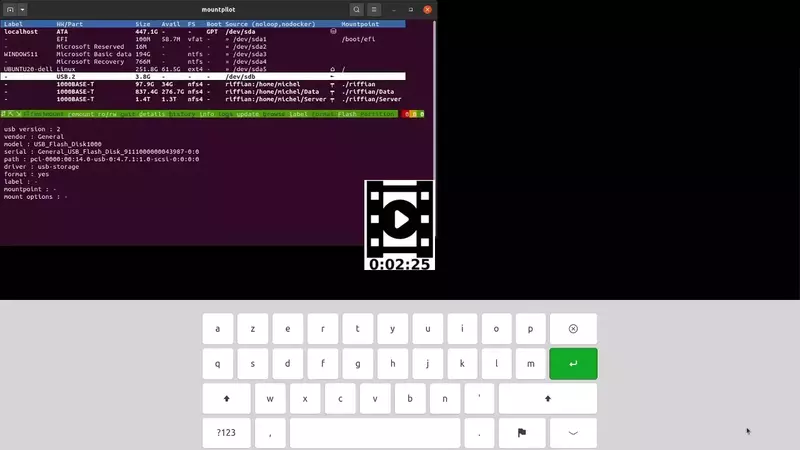
Creating a LUKS-encrypted device with the dashboard
|
Auto-login setup
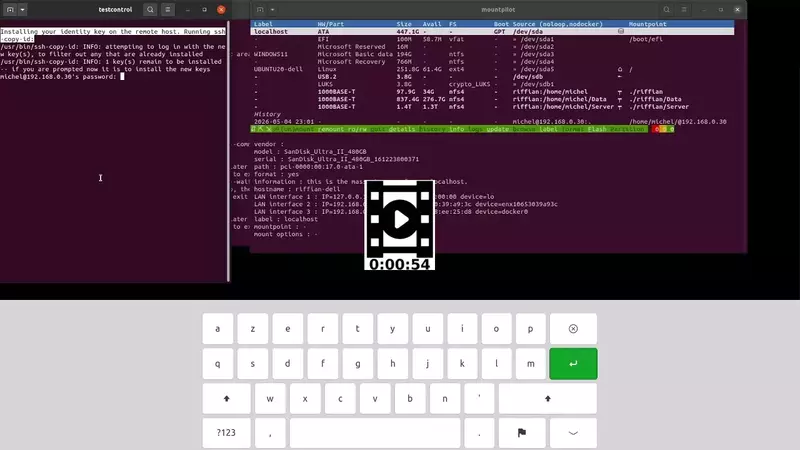
SSH auto-login setup carried out at first mount
|
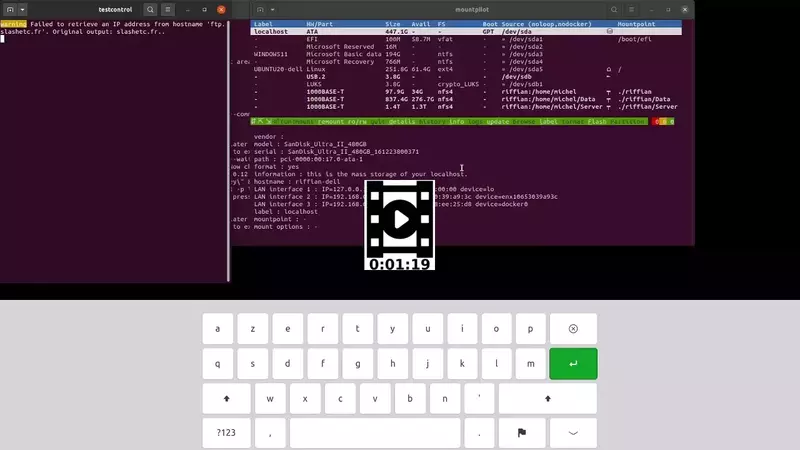
Automatic ftp auto-login setup carried out at first mount
|

Automatic NFS exports setup upon NFS URL mounting
|
Auto-installation

Automatic server installation when no NFS server is detected upon NFS URL mounting
|
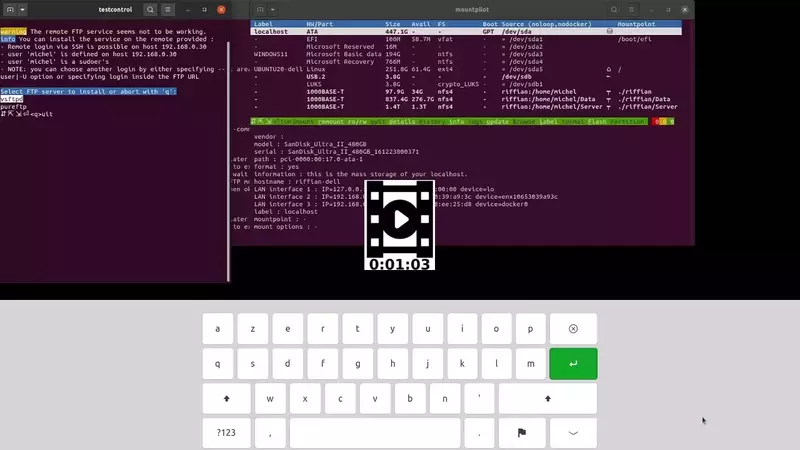
Auto FTP server install when none is detected
|